The Best Apps Like Anki (Anki Alternatives Worth Trying)
Anki works. That's not up for debate. Millions of medical students, language learners, and competitive exam takers have built their study routines around it, and the algorithm behind it is genuinely excellent.
But Anki has a problem. It looks and feels like software from 2006, because a lot of it is. Setting up your first deck takes longer than it should. The mobile experience is uneven. And if you're on an iPhone, the official app costs $25 before you've studied a single card.
None of that makes Anki bad. It makes it a bad fit for a lot of people who would benefit from what it does. That's exactly the gap that Anki alternatives are filling.
What Makes Anki Worth Replacing (Or Supplementing)
To find a good replacement, you first need to know what Anki actually does well. Two things stand out.
First, the algorithm. Anki uses a version of the SM-2 scheduling algorithm, which calculates review intervals based on how well you know each card. The longer you use it, the more accurately it predicts when you're about to forget something. This pairs directly with active recall: pulling an answer from memory rather than passively recognising it.
Second, the community. Anki has thousands of shared decks built by other users, covering everything from Japanese vocabulary to anatomy to the US bar exam. For common subjects, someone has probably already built the deck you need.
Any serious Anki alternative needs to replicate the algorithm part. The shared deck library is harder to match, but most alternatives compensate with easier deck creation.
The Best Apps Like Anki
1. Brainscape
Brainscape uses a confidence-based system rather than a strict pass/fail approach. After each card, you rate your confidence on a scale of 1 to 5. The app uses that rating to decide when to show the card again. It's a slightly different philosophy from Anki but gets to a similar result.
The interface is polished and the pre-made deck library covers medical, legal, and language content well. It's a solid pick for learners who find Anki's binary grading too rigid.
Best for: Learners who want confidence-based repetition with a cleaner interface
2. Mochi
Mochi is built for people who take a lot of notes. It connects your written notes directly to flashcard decks, so the gap between writing something down and drilling it is smaller. It supports Markdown and has a minimal design that gets out of your way.
For learners who already have a note-taking habit and want to build flashcard review into the same workflow, Mochi is a natural fit.
Best for: Note-heavy learners, writers, researchers
3. Quizlet
Quizlet is the most widely used flashcard platform, and for good reason. The card creation experience is fast, the shared deck library is massive, and the interface is approachable for new users.
The spaced repetition feature sits behind a paywall, which is a real limitation if that's the Anki feature you're trying to replace. For students who mainly need shared content and basic study modes, Quizlet still works. For learners chasing Anki's scheduling depth, it falls short.
Best for: Students who need fast access to shared decks
4. RemNote
RemNote combines note-taking and flashcards into one tool. As you write notes, you can tag specific phrases or facts to turn into flashcards automatically. The spaced repetition is solid and the interface is modern. It's more complex than most flashcard apps, but that complexity pays off for learners who want their notes and their review system in the same place.
Best for: Learners who want notes and flashcards fully integrated
5. Space Repeat
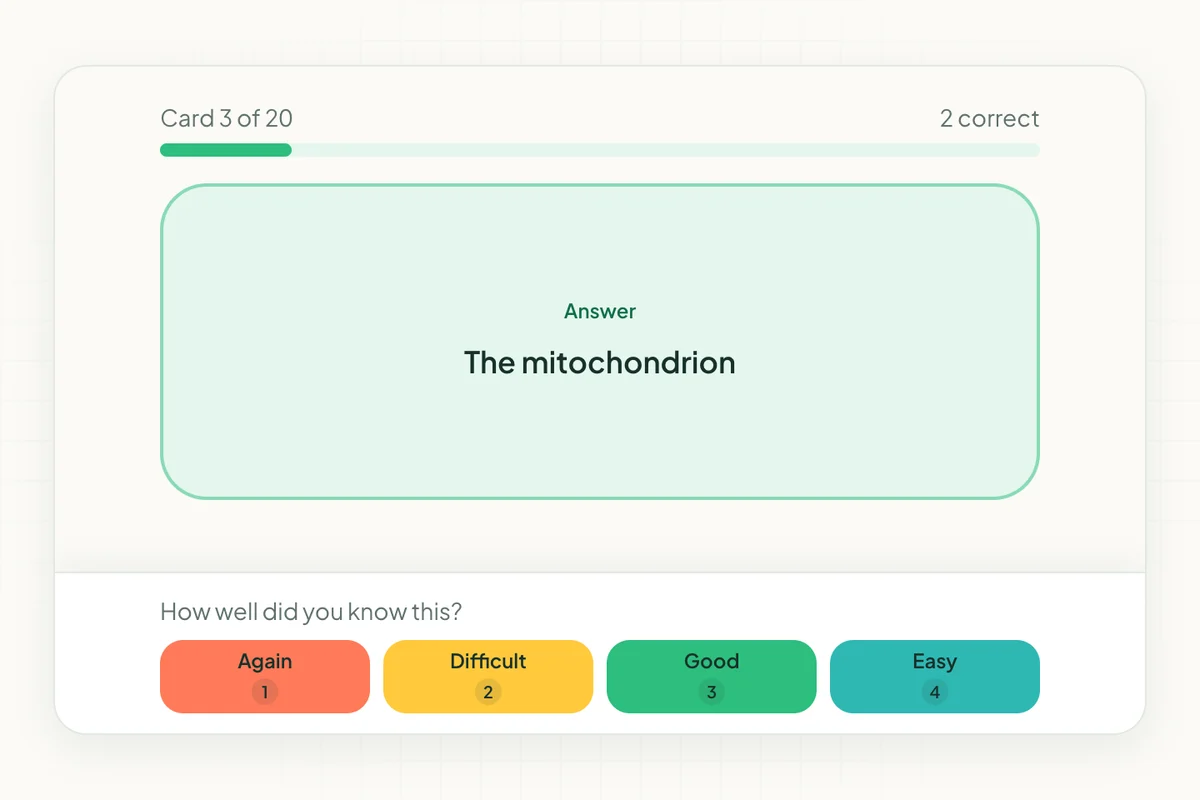
Space Repeat gives you the core of what makes Anki valuable, without the setup cost. The spaced repetition algorithm tracks your performance on each card and adjusts your review schedule automatically. You see cards you're struggling with more often, and cards you know well less often.
Creating a deck takes minutes, not hours. You can add images to cards, which matters for anyone studying visual material. It works on any device through your browser, so there's no separate app to download and no platform-specific pricing.
If what drew you to Anki was the algorithm rather than the customization depth, Space Repeat covers that need cleanly.
Best for: Learners who want Anki's scheduling logic without Anki's setup complexity
For a full feature comparison, see Space Repeat vs Anki.
Should You Switch From Anki or Add a Second App?
It depends on where Anki is failing you.
If the problem is setup time and interface complexity, switching to Space Repeat gets you the same scheduling logic with far less friction. If the problem is the iOS price, Space Repeat runs in your browser at no extra cost on any device.
If you like Anki's depth but want something cleaner for a specific subject, some learners run both. Anki for their main study load, and a lighter app for a side project or a language they're dabbling in.
The algorithm is the valuable part. Any app that replicates it well is a legitimate alternative.
For a broader side-by-side look at how the top options compare, see The Best Spaced Repetition Apps.
Ready to try spaced repetition?
Space Repeat makes it easy to create flashcard decks and study with proven memory techniques. Free to start.
Start free